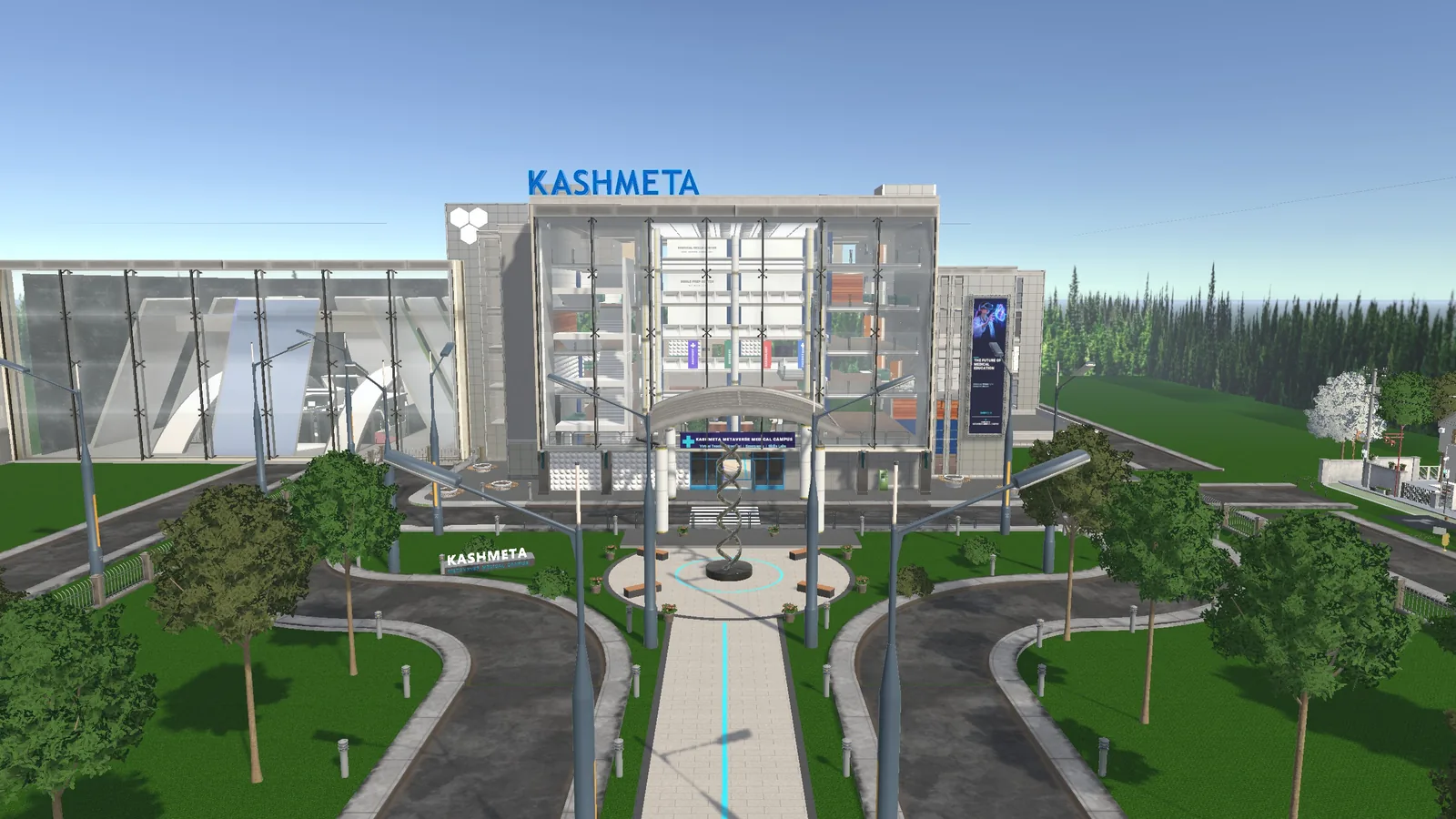
Step inside the Kashmeta virtual campus
Practise surgery and emergency cases, answer 1,200+ MCQs, explore the 3D anatomy lab and talk to AI doctors — with other visitors live, right here in your browser. Free for 30 minutes.
Bringing a whole class? See how universities run sessions ↓
What you can do once you’re in
Six floors of purpose-built medical spaces. Press M inside the campus to jump straight to any of them.
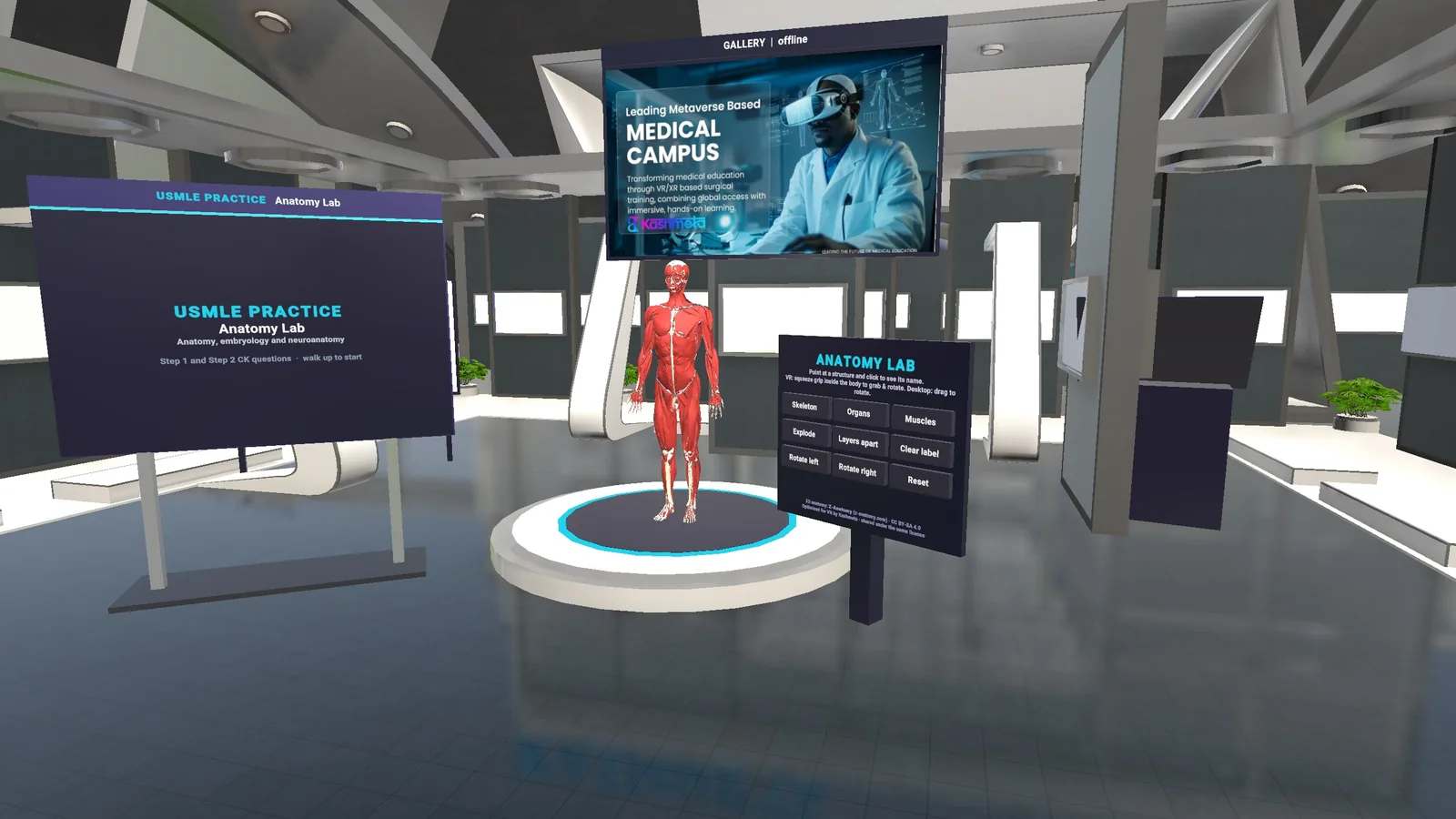
Anatomy Lab
Explode, layer and rotate a full-body 3D model and click any structure to see its name.

AI doctors
Ask our AI doctors questions by voice or text and get answers in real time.
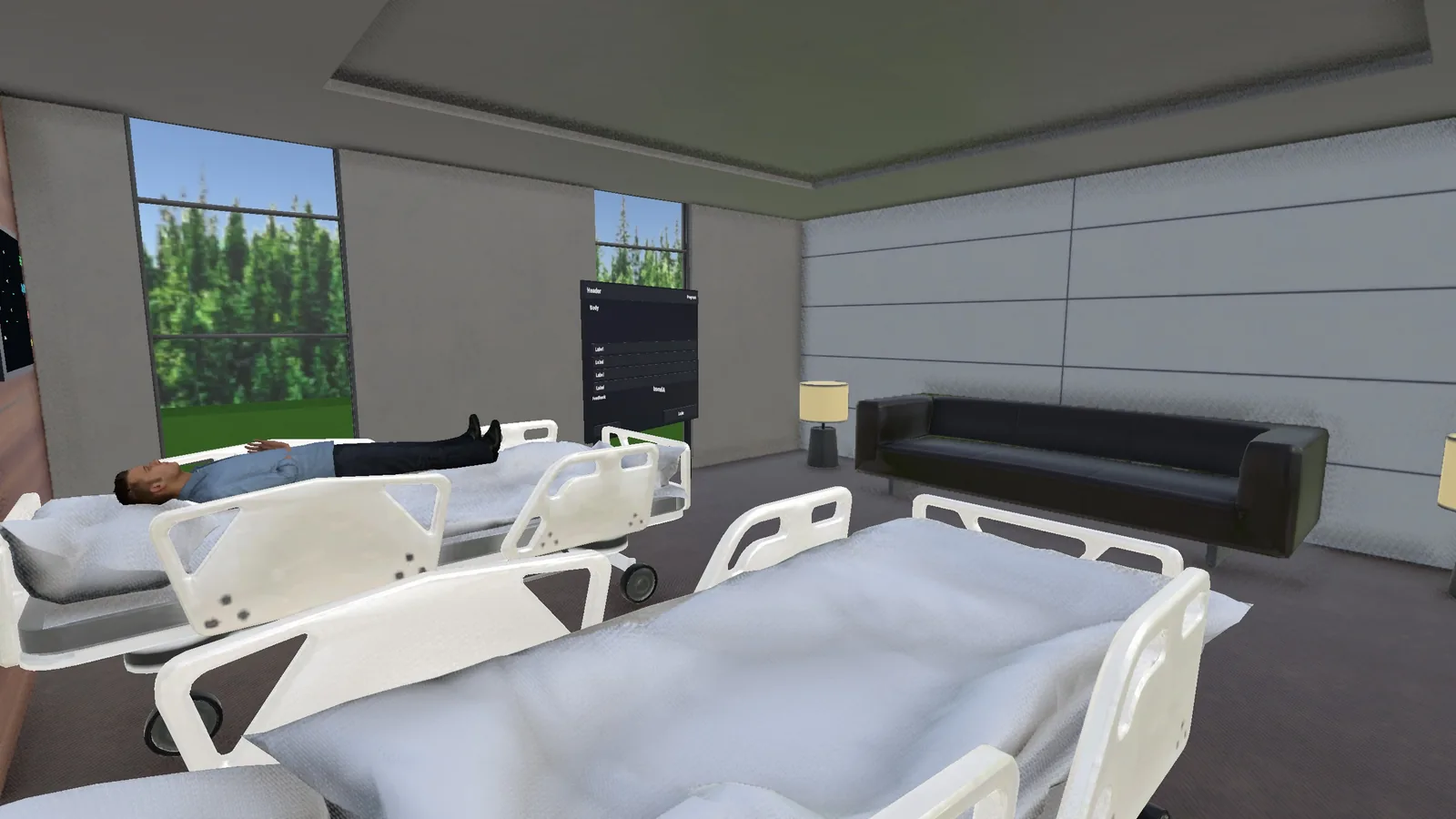
Emergency Room
Step into the ER and walk through emergency cases as a team.
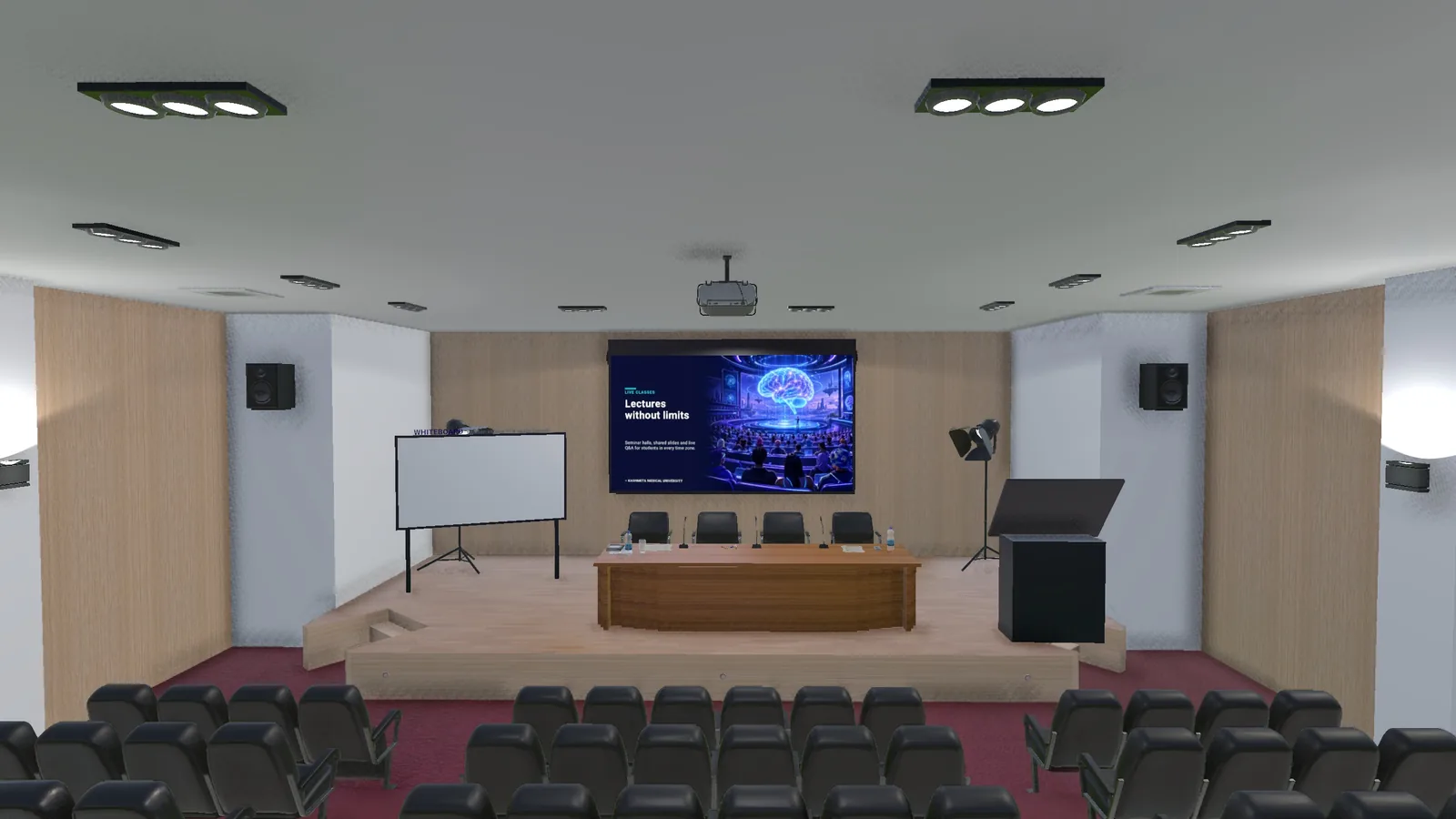
Lecture Auditorium
Take a seat for live lectures with shared slides on the big screen.
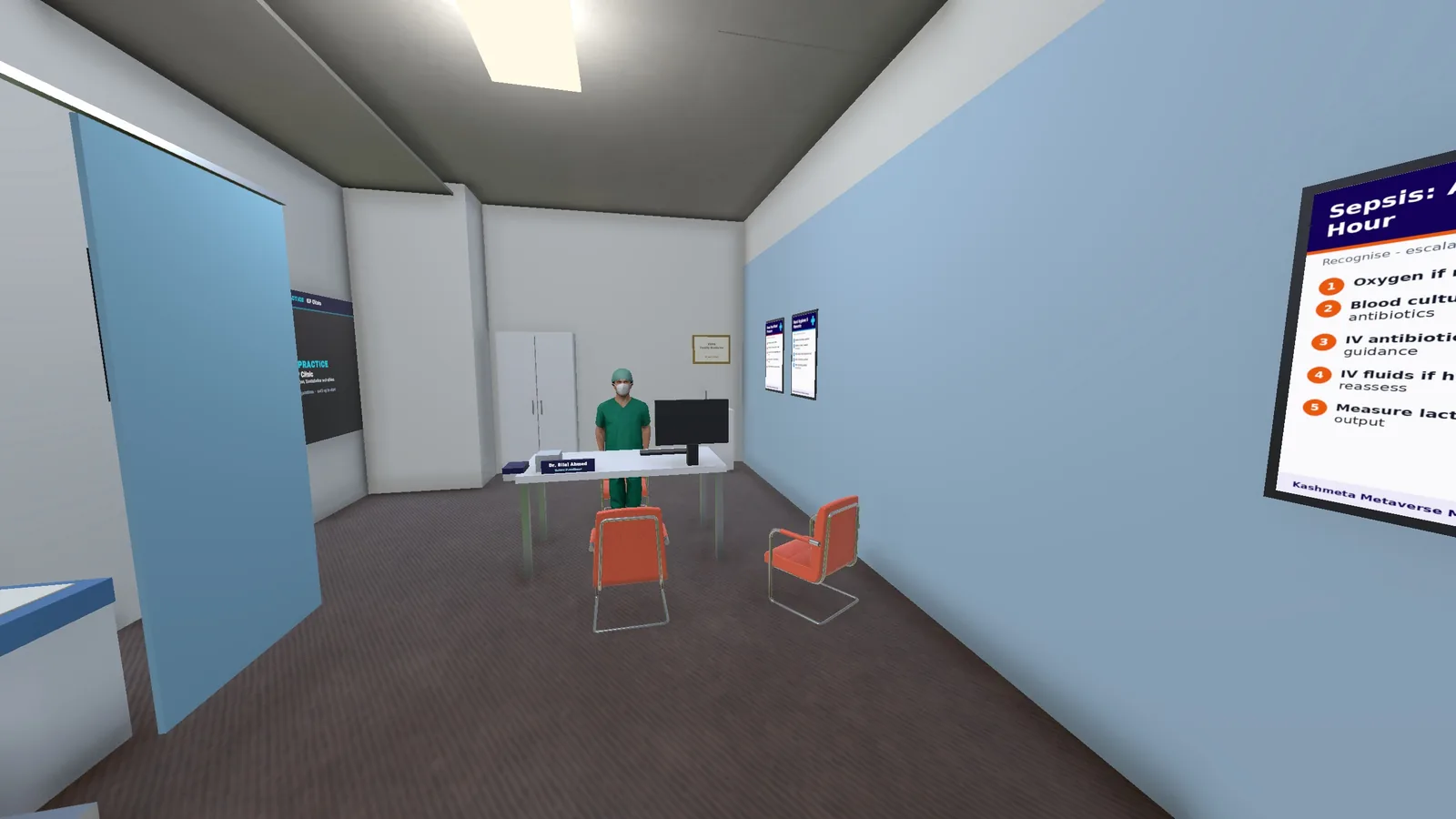
Clinics, Wards & Theatres
Clinics, labs and an inpatient ward with bedside examination, plus operating theatres, a Surgical Skills Centre and the USMLE Prep Center.
Bring your whole class to the campus
Run private, guided sessions for your students with your own slides, rooms and schedule. Pilot partners get set up by our team.
Request access
Tell us about your institution, course and number of students.
Get set up
We set up laptop access for your class and your campus rooms — and Meta Quest headsets once the VR app launches.
Start your session
Teach your first class in the virtual campus with our team on hand.
Shape the future of medical education with us
Whether you lead a medical school or want to invest in immersive health education, we’d love to talk.